Overview
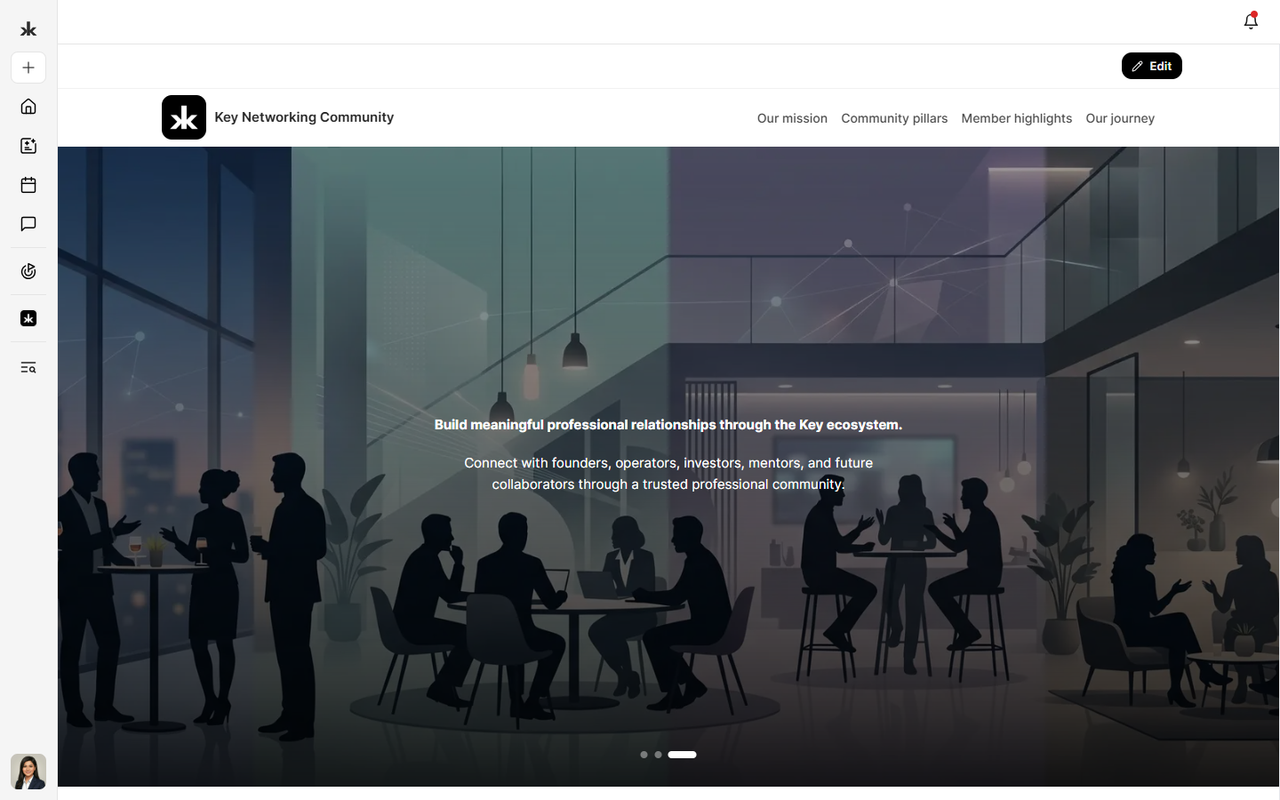
Communities are the foundation of collaboration in Key AI. They provide a dedicated space where members can connect, share knowledge, organize events, discover opportunities, and collaborate around shared interests or goals. Every community can be customized to meet the needs of its members, with its own branding, settings, roles, resources, and permissions. Whether you're joining an existing community or managing one, communities help bring people together and create meaningful engagement.
What Can You Do in a Community?
Depending on your role and permissions, you can:
- Join and participate in communities.
- Discover and register for events.
- Access community resources through the Community Library.
- Discover opportunities shared within the community.
- Complete community and event registration questions.
- Connect with other community members.
- Receive community announcements and event updates.
Community Admins have additional capabilities to configure and manage their communities.
Community Features
Each community can include a variety of features to help members collaborate and stay engaged.
These may include:
- Events & Calendar - Create, manage, and participate in events.
- Community Library - Share and access community resources.
- Opportunities - Discover and share professional opportunities.
- Pulse - Collect registration information for communities and events.
- Channels - Organize discussions and content into dedicated spaces.
- Roles & Permissions - Control member access and responsibilities.
- Member Management - Invite, approve, and manage community members.
- Connectors - Integrate supported third-party applications.
The features available within a community may vary depending on your permissions.
Community Roles
Communities use a role-based permission system to control what members can access and manage.
Default roles include:
- Member - Participate in community activities and access available features.
- Admin - Manage the community, members, settings, events, and permissions.
Community Admins can also create custom roles with specific permissions to delegate responsibilities while maintaining control over community access.
Why Join a Community?
Joining a community allows you to:
- Connect with members who share similar interests or goals.
- Discover networking opportunities.
- Participate in community events.
- Access exclusive resources and content.
- Stay informed through announcements and updates.
- Build meaningful professional relationships.
Best Practices
To get the most out of your communities:
- Complete your profile before joining communities.
- Participate in community discussions and events.
- Keep your notification preferences up to date.
- Explore the Community Library for useful resources.
- Regularly check for new opportunities and upcoming events.
Frequently Asked Questions
Can I join multiple communities?
Yes. You can join multiple communities.
Do all communities have the same features?
Not necessarily. Features may vary depending on how the community has been configured and your assigned permissions.
Can I leave a community?
Yes, the community allows members to leave, you can do so from the community settings, Preference tab.