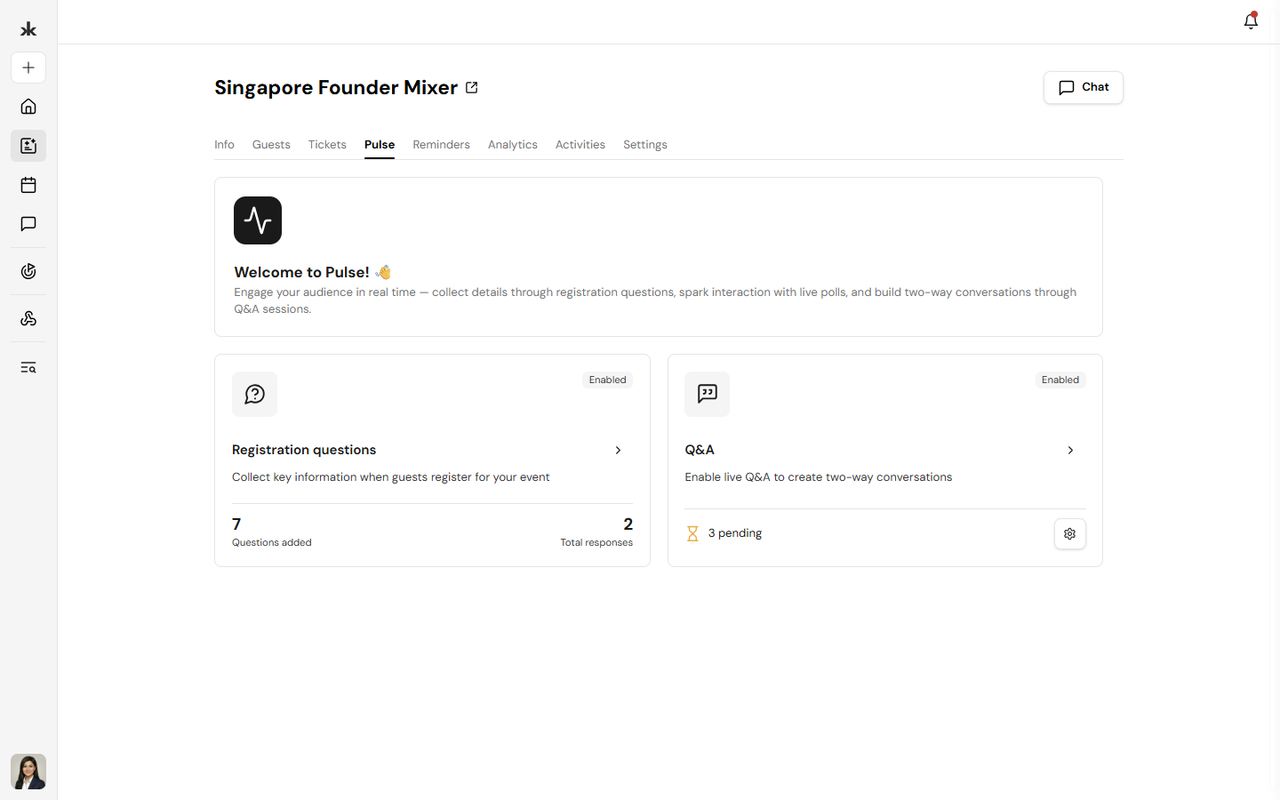
Pulse includes:
- Registration Questions - Collect additional information from attendees during event registration.
- Q&A - Allow attendees to ask questions and engage with speakers in real time.
To access Pulse:
- Open the event.
- Select the Pulse tab.
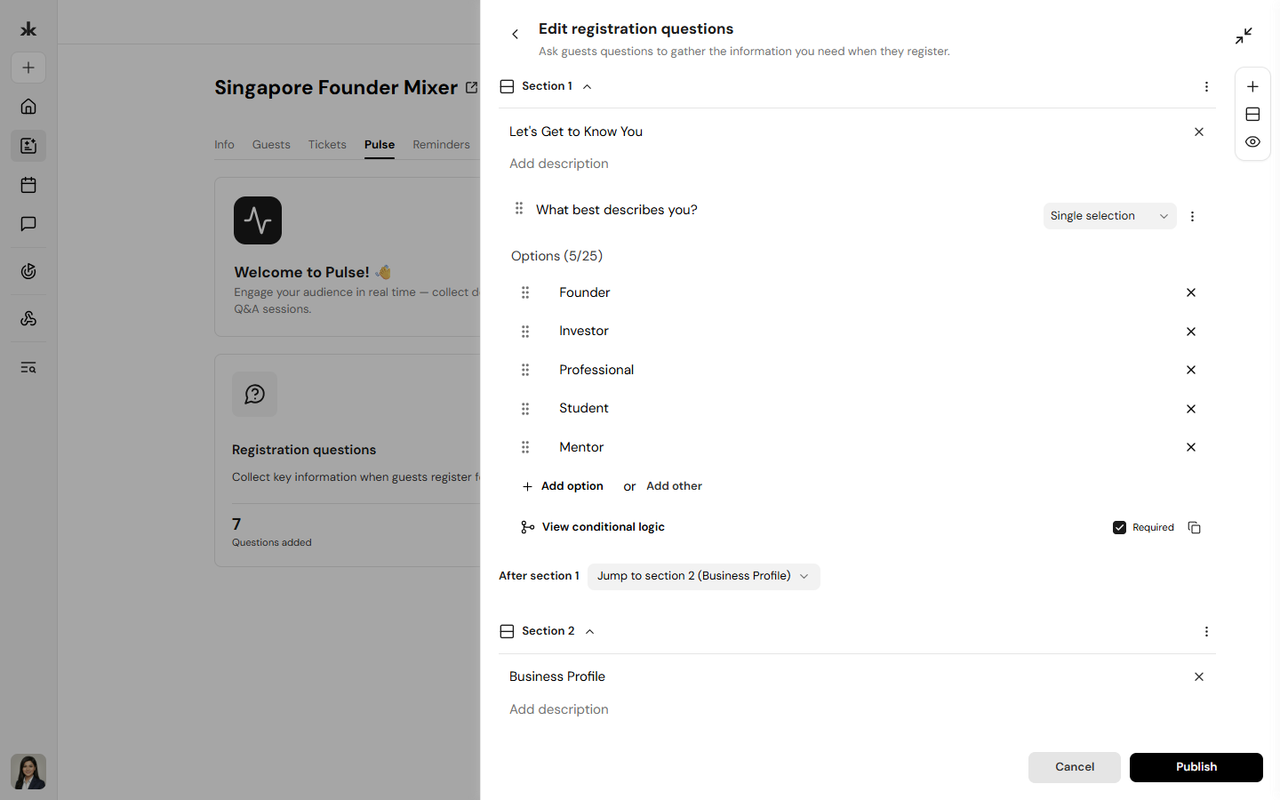
Registration Questions allow event organizers to collect additional information from attendees during the event registration process. Attendees answer these questions before completing their event registration. Event Registration Questions use the same functionality as Community Registration Questions. You can:
- Create questions
- Edit questions
- Delete questions
- Reorder questions
- Select from the available question types
- Mark questions as required
- View attendee responses
For detailed instructions on creating and managing questions, see Communities → Pulse → Registration Questions.
Require Verified Responses
Event organizers can require respondents to verify their email address or phone number before their response is accepted. When verification is enabled, respondents receive a one-time verification code to confirm their contact information before submitting their response. This verification flow is also available to people who are not logged in.
Set Answer Validation Rules
Event organizers can set validation rules for individual questions to control the type or format of responses accepted. When a response doesn't meet the required format, a validation message appears and the answer cannot be submitted until it is corrected.