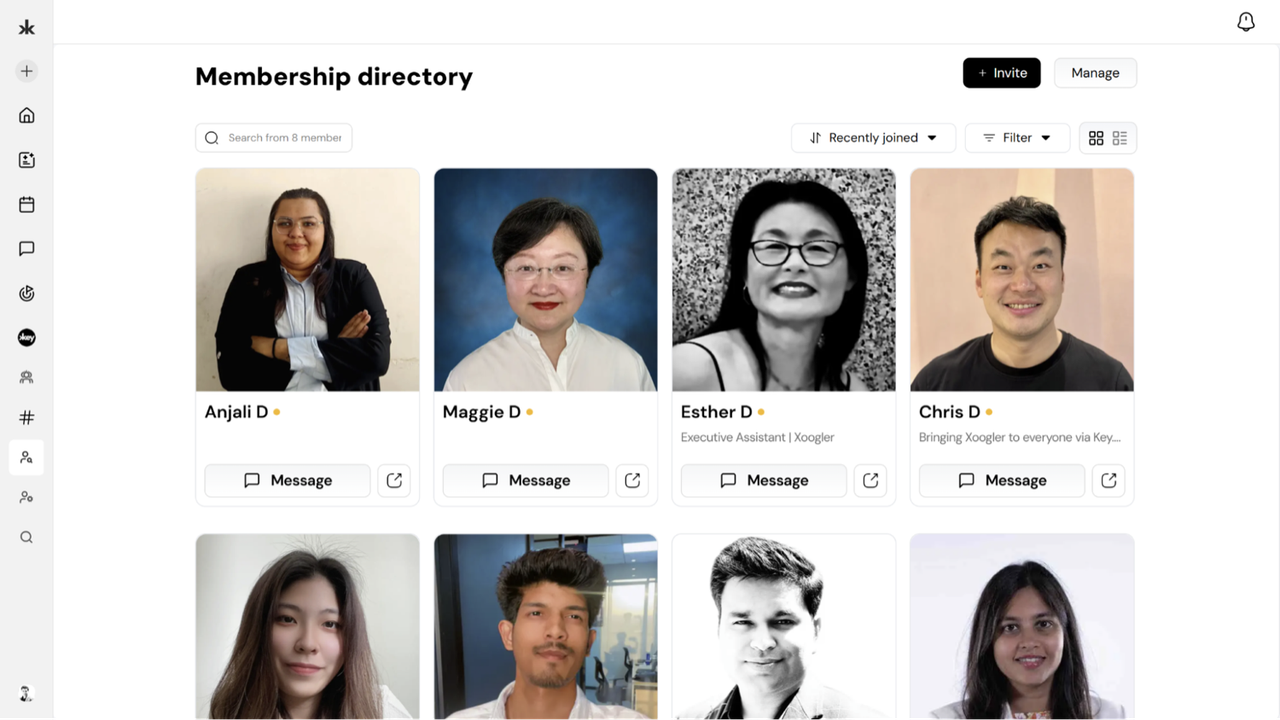
For communities with approval enabled:
- Go to Manage Members
- Review profile and onboarding responses
- Tap Approve (assign role if needed) or Reject
You can also approve multiple requests at once.
Approved members are notified immediately and gain access based on their assigned role. Rejected applicants receive a polite notification without internal notes.